
Back to all Probit tutorials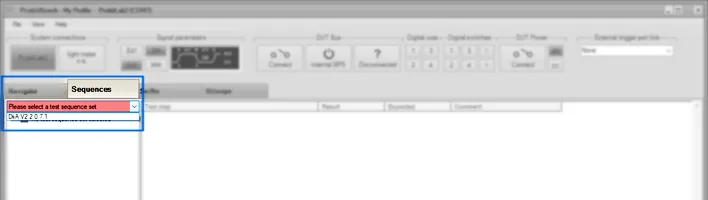
Certification testing
Run the tests
Execute certification test runs and monitor results live.
Select the test sequence set
Select the Test Sequence Set.
Tip: Test Sequence Sets are stored as dll files in the "..\Sequences" subfolder.
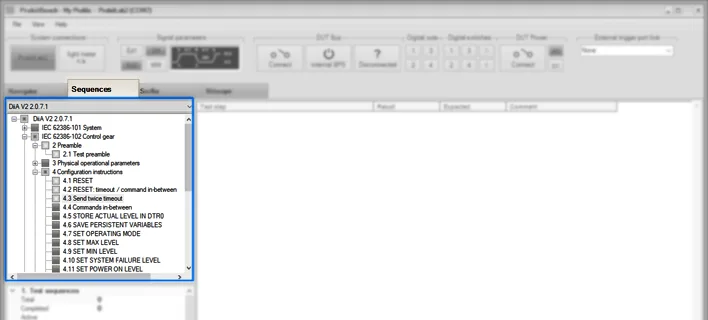
Select the test sequences
Tick the boxes which illuminate.
If a "Test preamble" exists, this must be run at least once after ProbitBench start.
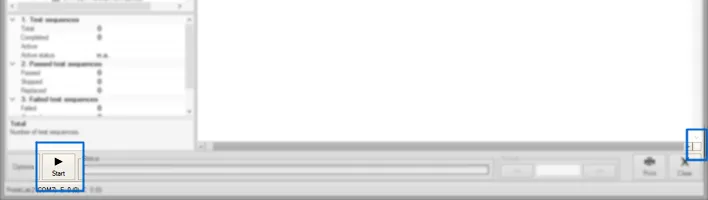
Start
Click "Start".
Tip: Use the Time-Shift button (lower right corner) to step through the protocol while recording continues in the background.
Need help with this step?
Our DALI engineers are happy to help with any ProbitLab or ProbitBench question.