
Manual testing
Plain commands
Issue raw DALI commands to interact with devices on the bus.
DUT Power

Check supply type "AC" or "DC" for your DUT and click "Connect".
DUT Bus

Is a bus power supply (BPS) integrated in your DUT?
- YES: switch the "internal BPS" OFF.
- NO: switch the "internal BPS" ON.
Click "Connect". The right control field shows the bus status.
- Grey: Disconnected (terminals are electrically isolated)
- Green: Idle (level above 8 V)
- Yellow: Active (traffic on the bus)
- Red: System Failure (level below 8 V for more than 500 ms)
Signal Parameters

According to your DUT, select either Ed1 (DALI Version 1) or Ed2 (DALI-2).
If your DUT follows Ed2, select SM (single master) or MM (multi master).
Tip: You can also adjust the voltages, half-bit timings, slopes and the bus current.
Mediator Toolbox
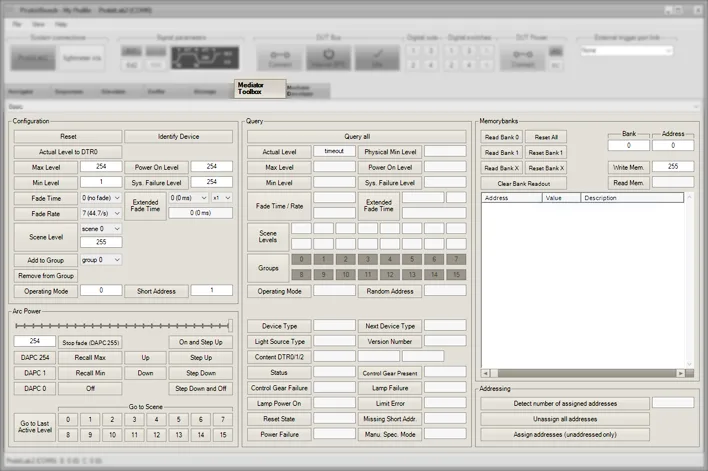
Tip: "Query all" is good for an overall check.
Tip: Extend your analysis also with the Sniffer and Bitscope (see Analyse the results).
Mediator Address
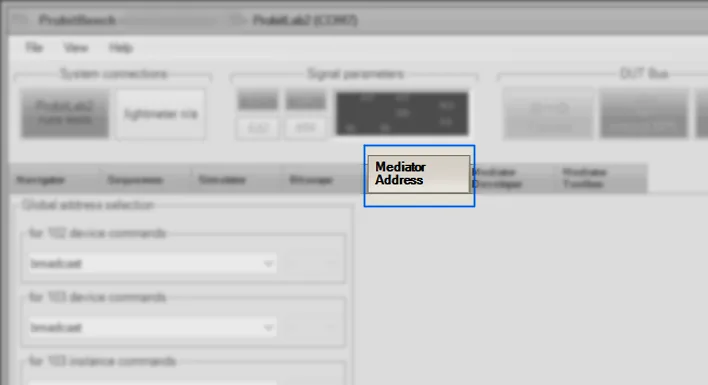
Use the "Mediator Address" tab to select the address of your commands.
Need help with this step?
Our DALI engineers are happy to help with any ProbitLab or ProbitBench question.