
ProbitSite FAQ
Solutions for common DALI installation and communication issues, and how ProbitSite helps you diagnose and fix them efficiently.
Signal Quality & Diagnostics
ProbitSite measures DALI signal quality on a percentage scale:
• **0–50%**, Receiver Violation: it is not certain that a receiver will understand this telegram.
• **51–75%**, Transmitter Violation: a transmitter may not send this, but every receiver must understand it.
• **76–100%**, Everything OK: the signal is within specification.
The three displayed values (aa% – bb% – cc%) represent the worst, average, and best measurement. If all three values are close together and low, the signal is consistently bad. If only the worst value is low while the average and best are high, the problem is intermittent, likely caused by occasional glitches rather than a fundamental wiring issue.
See also: My DALI signal quality is poor (yellow or red), what are the causes and how do I fix it?
ProbitSite detects: communication errors and protocol violations, poor signal quality (bit-timing analysis), incorrect or duplicate short addresses, non-DALI-2-compliant devices (via DiiA database comparison), wiring issues and bus short circuits, insufficient bus power supply, and "ghost" switching events. It works on both new and existing installations.
About ProbitSite
ProbitSite is a professional handheld DALI diagnostic tool, think of it as a 'DALI multimeter'. It scans the entire DALI bus, detects all connected devices, evaluates signal quality at bit-timing level, and identifies faulty or non-compliant devices. Crucially, it does all this without changing the existing installation configuration (SmartScan). It is the only DALI-2 certified test device on the market.
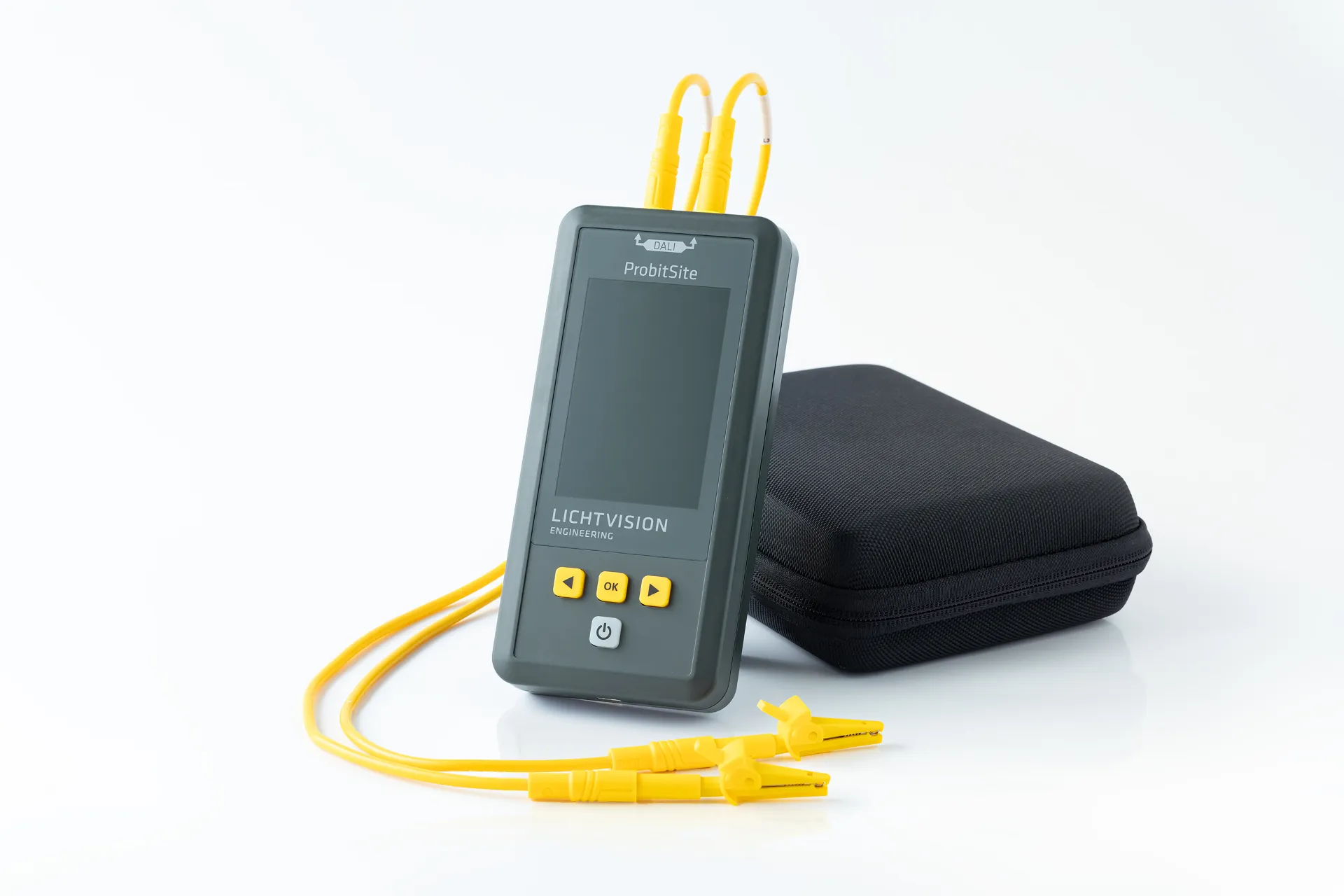
A multimeter only measures voltage. A USB dongle requires a laptop, drivers, and software, and typically only handles basic addressing. ProbitSite is a standalone device with a 3.5" colour display, built-in DALI power supply, internal storage for 30,000+ bus reads, and real-time signal quality analysis at protocol level. It also checks device compliance against the DiiA certification database and generates supplier-neutral test reports.
Yes. ProbitSite has a built-in DALI bus power supply (190–250 mA) and works as a completely standalone diagnostic tool. You can scan and test a DALI installation even before a controller is installed, ideal for pre-commissioning checks.
Absolutely. ProbitSite is used daily by electricians, system integrators, and commissioning engineers worldwide. It is fully DALI-2 certified and supports professional troubleshooting and verification according to IEC 62386. Many DALI manufacturers also use it for quality assurance.
Features & Advanced Usage
SmartScan is ProbitSite's non-invasive scanning mode. It recognises and reads every DALI device on the bus, including address, device type, GTIN, and firmware version, without changing the existing configuration. This means you can safely diagnose a running installation without risk of disrupting it.
ProbitSite automatically records every telegram on the DALI bus from the moment it's switched on. The internal memory stores over 30,000 bus reads. Connect an external power supply via USB-C, and you can record days or even weeks of DALI traffic continuously. The logged data can be viewed and exported in the ProbitSite Windows App under 'Logs'.
The ProbitSite App for Windows lets you download scans via USB, view and analyse results, organise scans by project, and print professional reports. It's the desktop companion for your field work, turning raw scan data into actionable documentation.
Battery, Connectivity & Specifications
The built-in high-capacity LiPo battery provides approximately 8 hours of continuous operation. Charging is via USB-C at 5V / 500 mA. For longer recording sessions, keep it connected to an external USB power source.
Key specs: 3.5" TFT display (320×480 px, 600 cd/m²), built-in DALI bus power supply (190–250 mA), LiPo battery (~8h runtime), USB-C charging, internal memory for 30,000+ reads, 4mm banana jack connections, size 80×165×27 mm, weight ~300g. CE and UKCA compliant. GTIN: 4262466940009.
Expert Mode & Short Addressing
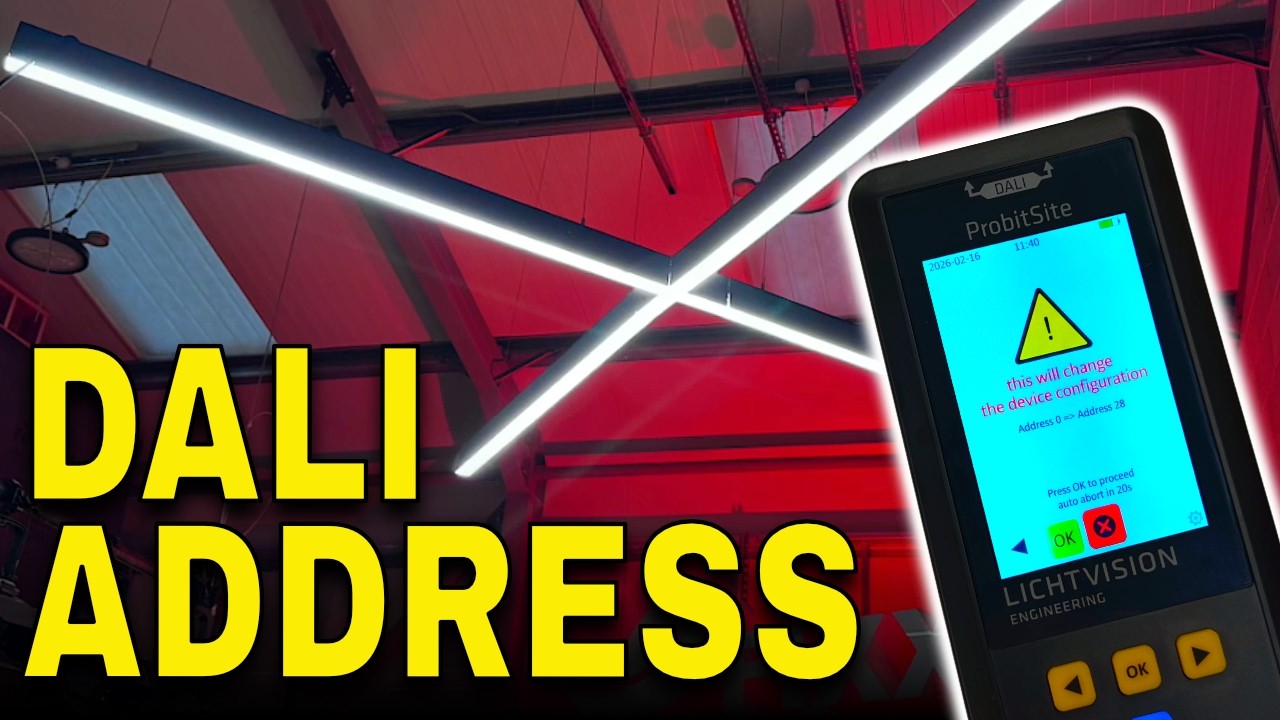
Expert Mode is a write-enabled mode introduced with Firmware V1.5. It unlocks DALI short address management directly on the handheld: assign a new short address to an unaddressed gear, change an existing short address, modify or delete it. In normal (SmartScan) mode ProbitSite stays strictly read-only, so a running installation can never be altered by accident.
Expert Mode is activated from the ProbitSite Windows App, not on the device itself, to prevent accidental enabling on site:
1. Update ProbitSite to Firmware V1.5 or newer.
2. Install or update the ProbitSite Windows App.
3. Connect ProbitSite to your PC via USB-C.
4. In the app, open the device settings and toggle Expert Mode on.
5. The mode switch is reflected immediately on the ProbitSite display, a small cog icon appears in the lower right corner whenever Expert Mode is active.
Disabling Expert Mode follows the same steps. Both the firmware update and the Windows App are available on the ProbitSite support page.
Starting with Firmware V1.5, ProbitSite's Expert Mode lets you assign, change, modify or delete DALI short addresses directly on the handheld. Once Expert Mode is enabled:
1. Run a SmartScan to list every device on the bus.
2. Select the device you want to address from the scan list.
3. Choose the action: set a new short address, change the current one, or delete it.
4. Confirm. ProbitSite writes the change over DALI and immediately re-reads the device to verify.
For safety, always start with a full scan and export a report before making changes, this gives you a baseline of the installation. Work on one device at a time, verify each change with a re-scan, and disable Expert Mode again when finished.
Expert Mode can also resolve duplicate short addresses, see the linked Knowledge Base entry below.
Expert Mode can also resolve duplicate short addresses, see Why do I have duplicate DALI short addresses, and how do I fix them?
No physical damage, Expert Mode only writes DALI configuration commands defined by IEC 62386. However, changing or deleting short addresses on a live, commissioned installation can break the link between the lighting controller and the gear. That is exactly why Expert Mode is off by default, has to be enabled from the Windows App, and is signalled by a cog icon on the display. Coordinate with the system integrator before modifying addresses on a commissioned system.
The eFIXX team produced a hands-on video showing Expert Mode and short address management on ProbitSite, including activation via the Windows App and a real on-site addressing job. Watch it directly below.
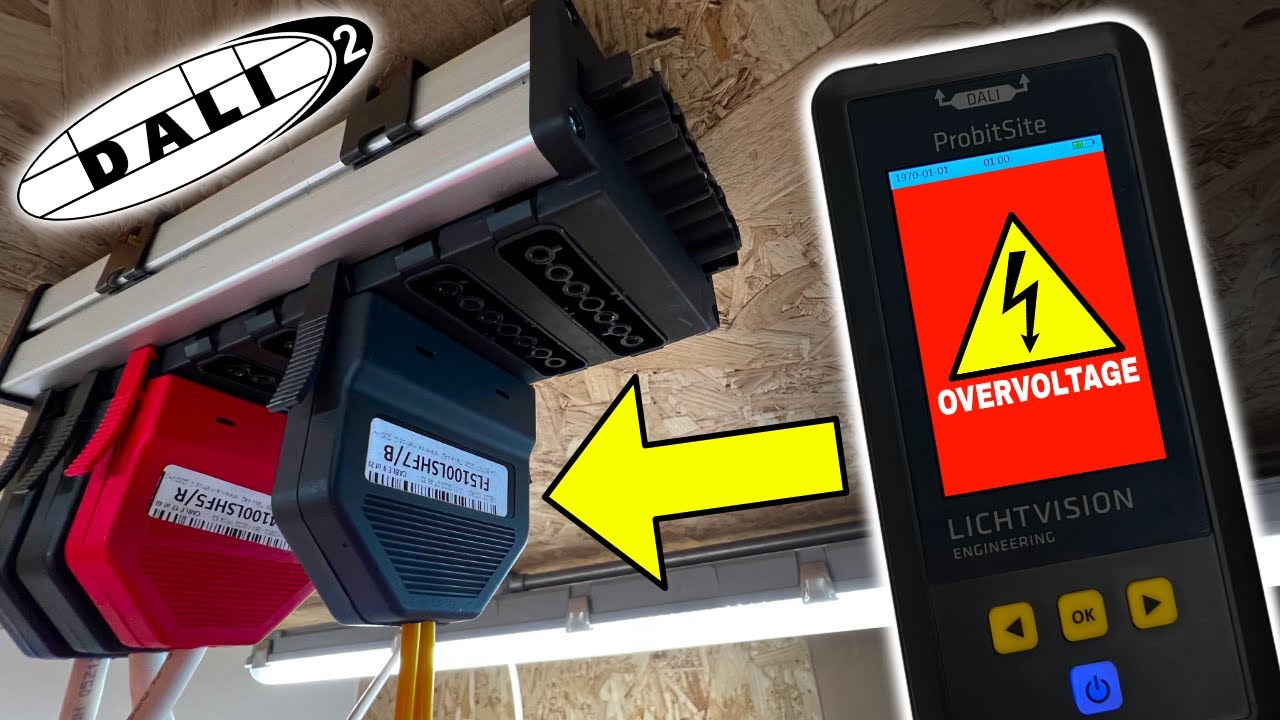
Yes. The original eFIXX feature on ProbitSite walks through DALI fault finding on site, how SmartScan works, and how to read signal quality results, a great starting point before diving into Expert Mode.
ProbitSite vs. Standard DALI USB Tools
| Feature | ProbitSite | USB Dongles |
|---|---|---|
| Form Factor | Standalone handheld (multimeter-style) | USB dongle + laptop required |
| Power Supply | Built-in PSU (190–250 mA) | Needs external PSU on the bus |
| Setup | Driverless, plug-and-play | Requires laptop, drivers & software |
| Display | 3.5" TFT colour screen | PC software only |
| Diagnostics | Real-time signal quality & bit-timing | Basic addressing & commands |
| Compliance Check | DiiA database integration | Not included |
| Reporting | Independent DALI-2 test reports | Limited, proprietary |
| Data Logging | 30,000+ reads (internal storage) | No logging without PC |
| DALI Certification | Fully DALI-2 certified | Typically not certified |
Still Have Questions?
Our engineering team is happy to help with specific DALI troubleshooting questions. You can also explore ProbitSite in detail or request a quote.